AppId is over the quota
 BootRacer BootRacer is a great tool for monitoring your PC's health over a long period of time, but don't expect it to improve performance.Download Now
 There's nothing more frustrating than turning on your computer and watching programs slowly load up. You sit there, not sure exactly how long you're going to have to wait, as all those resource-hogging startup programs take their own sweet time. Well, wonder no more: BootRacer can take the mystery out of your PC start-ups.
 BootRacer main menu gives some detailed information about the startup time.
 After a free download and install, the program will be ready to time your next PC restart. (BootRacer remains free for personal use, but business users must pony up after trying the program.) Though you can't see it, it starts timing the moment the PC starts the boot-up process. Those who aren't quick at entering your password or logging in don't need to worry. BootRacer subtracts the time it takes for user input to make an accurate assessment at how quick your PC performs.
Once the desktop is up, a small dual timer appears in the bottom right-hand corner of the screen. The timer on the top ticks down the seconds until your PC is done booting up the necessary files to be responsive while the timer on the bottom counts up the total time it takes to boot.
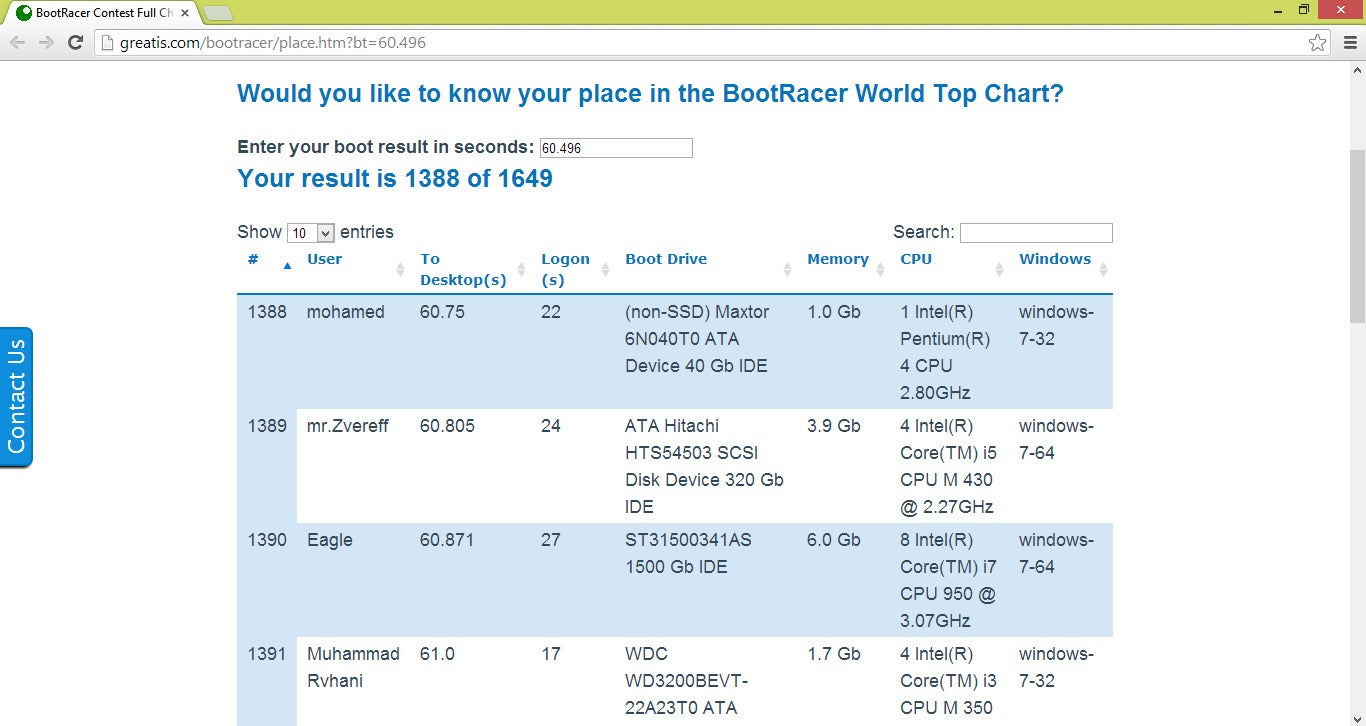 Rank your boot time against those of other PCs running BootRacer.
 A summary screen appears when the PC is completely done booting to review your time and score. Digging deeper, you will see a breakdown of what section of the boot-up took the most time and a star rating compared to other PCs that upload their results. You can choose to submit your own results to both claim your global rank as well as help improve future versions of BootRacer.
Options are scarce. You can choose whether you want BootRacer to run every time you boot-up or only single tests, if you want the timer to show, and what statistics to record. A history page will give you every previous boot results and the change in time from the previous boot. You can add notes to each result or upload them to the global rankings.
 A detailed history of your startups can show computer degradation over time.
 BootRacer is great for testing just how the decisions you make with your PC affect your start-up time in the long run. PCs tend to slow down as registries and programs begin to muck up the works, and now you can track it. However, that's where BootRacer's usefulness ends. There is an option to "Speed up!" but it just links you to SpeedUp 2013, another program that claims to fix everything slowing down the start-up process. (PCWorld hasn't reviewed SpeedUp 2013, but 2012 received a middling review, partly because the $30 program performed tasks that free programs handle just as well.) BootRacer doesn't do anything to fix an issue itself.
 You get the green light once your PC is all ready to go,
 For the PC enthusiast who loves to monitor every aspect of their computer's health and performance, BootRacer is a must-have. For those simply trying to speed up their boot times, installing this will probably be more depressing than anything. It won't do much to help, but it will confirm you do indeed have glacial boot-up times.

 PerfectRegistry attractive design helps to assess the integrity of your system at a quick glance.